MalayalamNewsableKannadaKannadaPrabhaTeluguTamilBanglaHindiMarathiMyNation
Add Preferred SourceGoogle-icon
  • Facebook
  • Twitter
  • whatsapp
  • YT video
  • insta
  • Latest News
  • India
  • World
  • Business
  • Markets
  • Sports
  • Entertainment
  • Lifestyle
  • Creator Connect
  • IPL 2026
  • Home
  • Technology
  • Mobile Safety: Worried About Hackers? These Simple Tips Will Keep Your Phone Safe!

Mobile Safety: Worried About Hackers? These Simple Tips Will Keep Your Phone Safe!

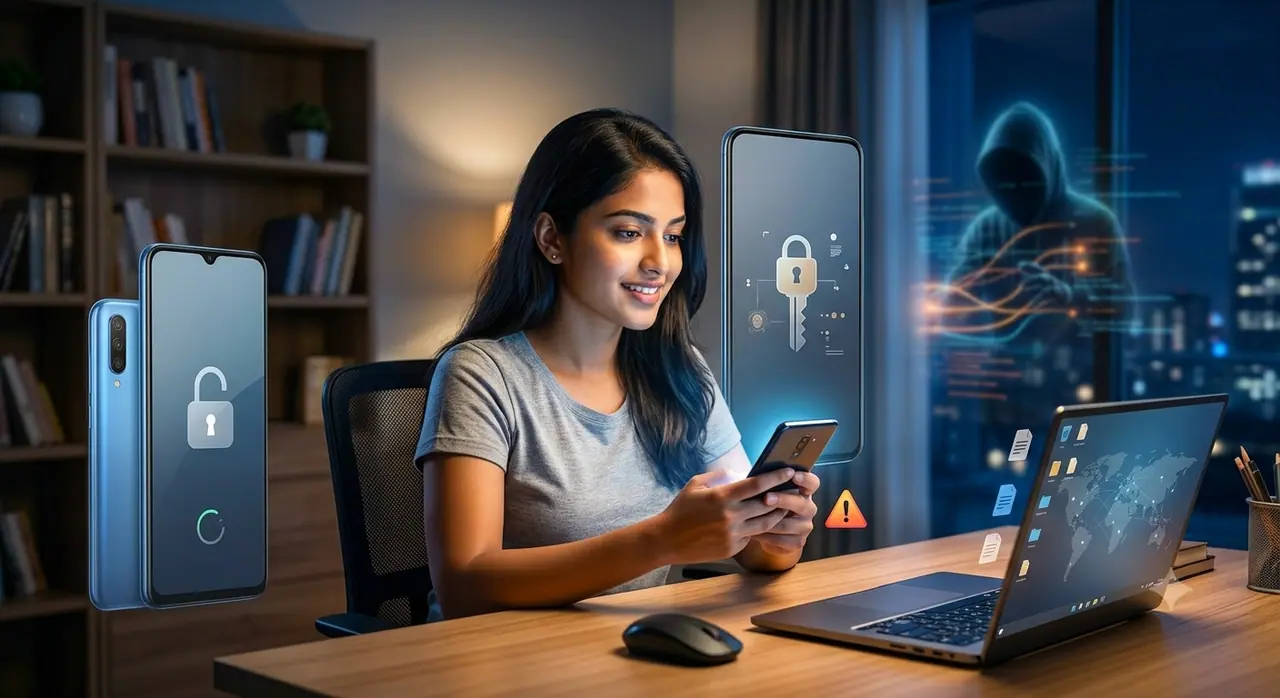
Using a smartphone? Making these common mistakes can get your bank account emptied and expose your personal data to hackers. But don't worry, just follow these simple tips to keep your phone and data safe.
4 Min read
Author : Indrakshi Samanta
Published : Jul 08 2026, 10:24 PM IST
Share this Photo Gallery
  • FB
  • TW
  • Linkdin
  • Whatsapp
  • GNFollow Us
16
Mobile Security Tips Everyone Must Know

Image Credit : Gemini

Mobile Security Tips Everyone Must Know

These days, your smartphone knows more about you than anyone else. It holds your bank details, emails, location history, personal photos, passwords, and all your chats. Many people think their phone is secure by default. They feel that since nothing has happened so far, they are safe. But this is exactly the carelessness that cyber attackers look for. Here are some simple tips to protect your phone from hackers.
Add Asianet Newsable as a Preferred SourcegooglePreferred
26
Real Security Starts with the Lock Screen
Image Credit : Asianet News

Real Security Starts with the Lock Screen

The biggest security mistake is using a weak PIN. Many people don't take this seriously. A simple four-digit PIN has thousands of combinations that hackers can crack. Always use a PIN with at least six digits, and an alphanumeric one is even better. On top of your PIN, enable face authentication or a fingerprint lock. While biometrics aren't 100% foolproof, they make it much harder for someone to unlock your phone easily. They add a strong layer of security without making your daily usage difficult.

Old Mobile Phones: The Surprising Reason Buyers Are Hunting Them Down!

36
You Must Turn On Two-Factor Authentication
Image Credit : our own

You Must Turn On Two-Factor Authentication

Another feature you should never ignore is Two-Factor Authentication (2FA). The best part is, even if someone steals your password, they can't log in without the second verification step. With 2FA on, you'll get an OTP on your phone or a code from an authenticator app. If someone gets your email ID, they could reset the passwords for all your other accounts. That's why you must enable 2FA immediately for your banking apps, social media, and any account with important financial or personal info. Using apps like Google Authenticator or Authy is much safer than SMS codes, because hackers can redirect SMS codes through SIM swapping attacks.

Best-Selling iPhone: Meet Apple’s ‘Baahubali’ That Ruled The Market!

46
Keep a Close Watch on App Permissions
Image Credit : Asianet News

Keep a Close Watch on App Permissions

Go to your phone's privacy or permissions settings right now. Check which apps are accessing your location, camera, microphone, contacts, and storage. You'll notice that many apps have permissions they don't need for their job. For example, a flashlight app doesn't need your contact list. A photo editor app has no business with your location data. So, immediately revoke any permissions that aren't necessary for the app to work. Also, carefully check which apps are using your phone's Accessibility settings. Malware and virus apps often use these permissions to take control of your phone.

56
Don't Ever Neglect Software Updates
Image Credit : Asianet News

Don't Ever Neglect Software Updates

Software updates might seem boring compared to new features, but the security patches they bring are extremely important. Hackers target loopholes in old operating systems and apps. Once a vulnerability is found, it doesn't take months for hackers to attack—it can happen within days. To avoid giving them a chance, it's best to always keep automatic updates turned on for your OS and apps. If that's not possible, go to your phone's settings menu and manually check for and install updates.
66
Using Public Wi-Fi? Be Careful
Image Credit : StoryBlocks

Using Public Wi-Fi? Be Careful

Public Wi-Fi networks are convenient, but they are often unencrypted. This means anyone can easily steal the data traffic between your phone and the internet. So, when you're on a public network, never open banking apps or type in any personal information. If you have to use public Wi-Fi regularly, you must use a VPN. It encrypts your connection and keeps it secure. There are free and paid VPN options available in the market. Having basic VPN protection is much better than having none at all. Also, be careful with suspicious links you get on your phone. These days, phishing messages look very real. They come disguised as delivery notifications, bank alerts, or messages from services you actually use. Finally, always install apps only from the official App Store or Google Play Store, where they are properly checked. Apps found outside official stores have no guarantee. Hackers create fake versions of popular apps just to steal your data. So if an app isn't in the official store, don't install it.

Find the latest Technology News covering Smartphone Updates, AI (Artificial Intelligence) breakthroughs, and innovations in space exploration. Stay updated on gadgets, apps, and digital trends with expert reviews, product comparisons, and tech insights. Download the Asianet News Official App from the Android Play Store and iPhone App Store for everything shaping the future of technology.


About the Author

IS
Indrakshi Samanta
Technology

Latest Videos
Recommended Stories
Recommended image1
Old Mobile Phones: The Surprising Reason Buyers Are Hunting Them Down!
Recommended image2
Smart Grid Solutions: Balancing Performance, Interoperability, Cost Efficiency!
Recommended image3
iPhone Air 2: Apple's Next Big Surprise? Leaks Hint at Major Upgrades
Recommended image4
Best-Selling iPhone: Meet Apple’s ‘Baahubali’ That Ruled The Market!
Recommended image5
Bigger Battery, Better Cameras, Higher Price? iPhone 18 Pro Leaks Have Fans Talking
News
Breaking News TodayLatest News TodayIndia NewsWorld NewsKarnataka NewsKerala NewsIndian Defence NewsBengaluru News
Entertainment
Entertainment NewsOTT ReleaseBigg BossMovie ReviewsBox Office Collection
Sports
Sports NewsCricket NewsFootball NewsWWE NewsOther Sports
Lifestyle
Lifestyle NewsFood and RecipesHealth NewsAstrologyCareer NewsWeb Stories
Business
Business newsShare Market NewsGold PriceDA Hike8th Pay CommissionTechnology NewsAutomobile News
Weather
WeatherKolkata WeatherChennai WeatherBengaluru Weather
Asianet
Follow us on
  • Facebook
  • Twitter
  • whatsapp
  • YT video
  • insta
  • Download on Android
  • Download on IOS
  • About Website
  • Terms of Use
  • Privacy Policy
  • CSAM Policy
  • Complaint Redressal - Website
  • Compliance Report Digital
  • Investors
© Copyright 2026 Asianxt Digital Technologies Private Limited (Formerly known as Asianet News Media & Entertainment Private Limited) | All Rights Reserved