MalayalamNewsableKannadaKannadaPrabhaTeluguTamilBanglaHindiMarathiMyNation
Add Preferred SourceGoogle-icon
  • Facebook
  • Twitter
  • whatsapp
  • YT video
  • insta
  • Latest News
  • India
  • World
  • Business
  • Markets
  • Sports
  • Entertainment
  • Lifestyle
  • Creator Connect
  • T20 World Cup 2026
  • Home
  • Technology
  • Gadgets
  • iPhone Camera Tricks You Didn't Know About: Try These for Professional Photography!

iPhone Camera Tricks You Didn't Know About: Try These for Professional Photography!

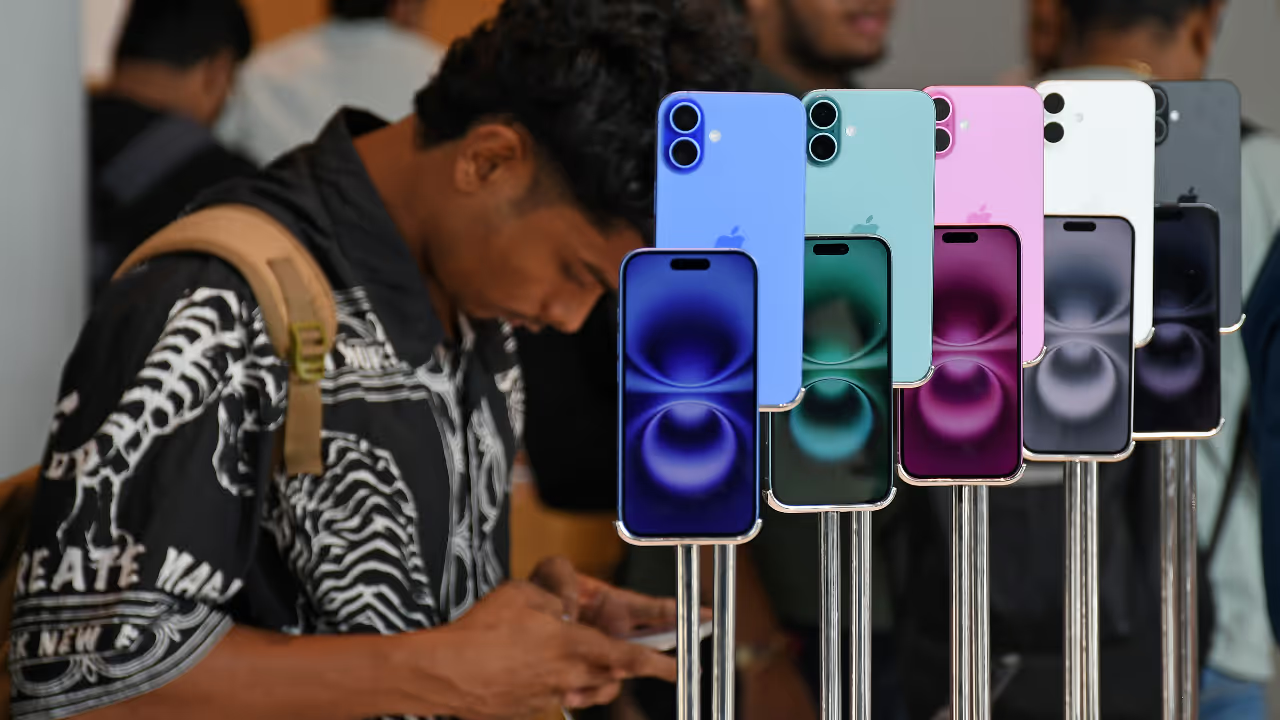
Discover hidden iPhone camera tricks like recording video in Photo mode and using Live Text to scan text instantly. These simple features can boost your photography and productivity experience.
2 Min read
Author : Asianet Newsable English
Published : Mar 18 2026, 10:18 AM IST
Share this Photo Gallery
  • FB
  • TW
  • Linkdin
  • Whatsapp
  • GNFollow Us
16
1. Record video directly from Photo mode

Image Credit : Getty

1. Record video directly from Photo mode

This super useful feature lets you record a video while you're in Photo mode. Just press and hold the shutter button to start recording, and let go to stop. Simple!
Add Asianet Newsable as a Preferred SourcegooglePreferred
26
2. Lock the recording for more control
Image Credit : Getty

2. Lock the recording for more control

For longer videos, press the shutter button and swipe right to lock the recording. This way, you don't have to keep pressing the button. You can also tap the small white button to click photos while recording.

Related Articles

Related image1
iPhone 17 Pro Max to Samsung Galaxy S26 Ultra: Best 5 Flagship Phones to Buy in Early 2026
Related image2
Apple Foldable iPhone Leaks Suggest iPad-Like Display and Multitasking Features
36
3. Scan text using your camera
Image Credit : Apple

3. Scan text using your camera

Your iPhone camera can scan and use text directly. Just open the camera in Photo mode and point it at some text. In a moment, a Live Text icon will pop up in the bottom-right corner of the screen.

Also read: No WhatsApp? No Problem—Guest Chats Feature in the Works

46
4. Take quick actions with Live Text
Image Credit : Getty

4. Take quick actions with Live Text

Tap the Live Text icon to get several options. You can directly call or save phone numbers, open web links, copy regular text, or even translate it. It's super handy for grabbing info without typing.
56
5. Choose the best shot from Live Photos
Image Credit : Getty

5. Choose the best shot from Live Photos

This feature is a lifesaver! If someone blinked or the pose was off in a photo, you can just choose a better frame from the Live Photo you took.
66
6. New possibilities in photo editing
Image Credit : Getty

6. New possibilities in photo editing

Just open the Live Photo in the Photos app, tap 'Edit', and scroll through the frames to select 'Make Key Photo'. This lets you change the main image, turning what would have been a bad photo into a great memory.

Also read: Protect Your WhatsApp in 2026 With Chat Lock and Encrypted Backups

Find the latest Technology News covering Smartphone Updates, AI (Artificial Intelligence) breakthroughs, and innovations in Space exploration. Stay updated on gadgets, apps, and digital trends with expert reviews, product comparisons, and tech insights. Download the Asianet News Official App for everything shaping the future of technology.



About the Author

AN
Asianet Newsable English
Asianet Newsable ENglish is the official profile used for publishing syndicated news agency stories on the platform. This profile ensures accurate, credible, and timely reporting of national and international news across various categories, including politics, sports, entertainment, lifestyle, and more. Editors curate and adapts wire service content to suit the platform’s diverse, multilingual audience, maintaining journalistic integrity and delivering fact-based news.
iPhone
Latest Videos
Recommended Stories
Recommended image1
Apple Foldable iPhone Leaks Suggest iPad-Like Display and Multitasking Features
Recommended image2
Best 5G Phones Under ₹15,000: Affordable Smartphones With Great Features
Recommended image3
iPhone 16 Series Gets MASSIVE Price Drop in India, Discounts Up to Rs 18,000
Recommended image4
iPhone 17 Pro Max to Samsung Galaxy S26 Ultra: Best 5 Flagship Phones to Buy in Early 2026
Recommended image5
iPhone 18 Pro Series Leaks Create Buzz With Expected Display and Camera Upgrades
Related Stories
Recommended image1
iPhone 17 Pro Max to Samsung Galaxy S26 Ultra: Best 5 Flagship Phones to Buy in Early 2026
Recommended image2
Apple Foldable iPhone Leaks Suggest iPad-Like Display and Multitasking Features
News
Breaking News TodayLatest News TodayIndia NewsWorld NewsKarnataka NewsKerala NewsIndian Defence NewsBengaluru News
Entertainment
Entertainment NewsOTT ReleaseBigg BossMovie ReviewsBox Office Collection
Sports
Sports NewsCricket NewsFootball NewsWWE NewsOther Sports
Lifestyle
Lifestyle NewsFood and RecipesHealth NewsAstrologyCareer NewsWeb Stories
Business
Business newsShare Market NewsGold PriceDA Hike8th Pay CommissionTechnology NewsAutomobile News
Weather
WeatherKolkata WeatherChennai WeatherBengaluru Weather
Asianet
Follow us on
  • Facebook
  • Twitter
  • whatsapp
  • YT video
  • insta
  • Download on Android
  • Download on IOS
  • About Website
  • Terms of Use
  • Privacy Policy
  • CSAM Policy
  • Complaint Redressal - Website
  • Compliance Report Digital
  • Investors
© Copyright 2026 Asianxt Digital Technologies Private Limited (Formerly known as Asianet News Media & Entertainment Private Limited) | All Rights Reserved