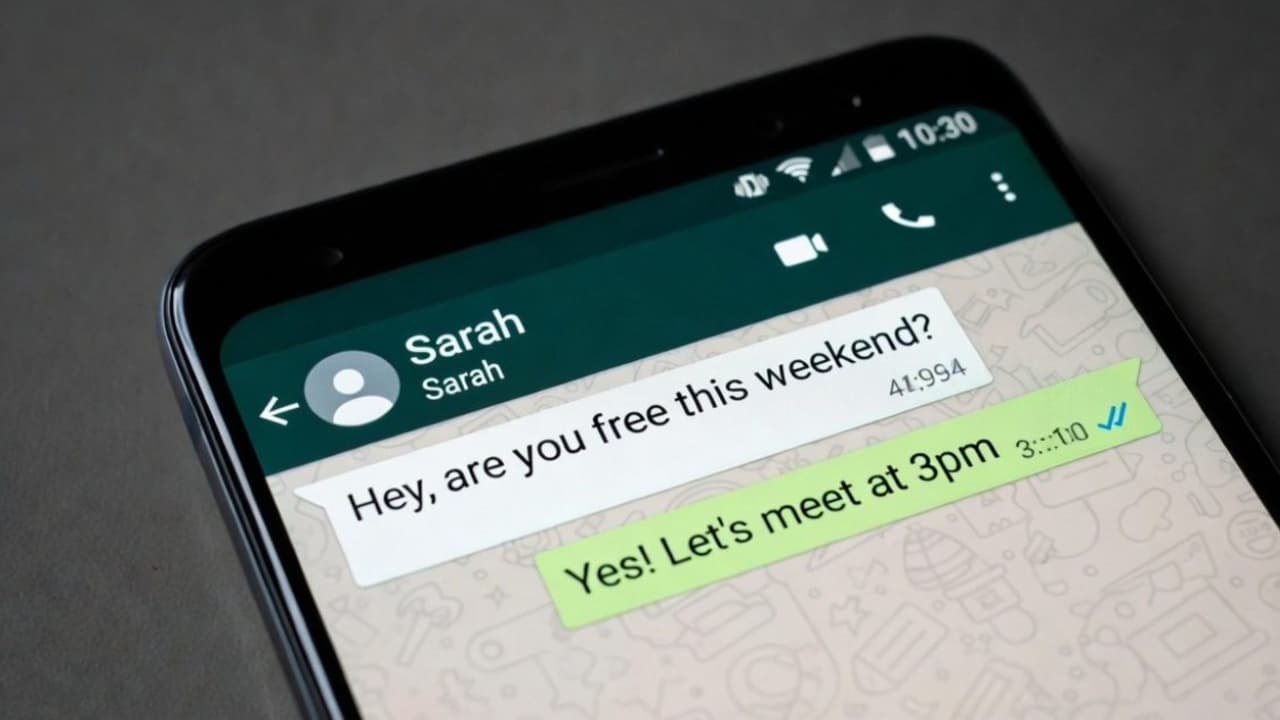
WhatsApp's 'Silence Unknown Callers' feature mutes calls from unsaved numbers without blocking them, preventing rings but keeping them in your call history. The feature can be enabled in the privacy settings on both Android and iPhone to reduce spam and unwanted disruptions.
WhatsApp can silence calls from unknown numbers without blocking them. The calls will not ring but will remain visible in your call history. Work, sleep, and personal time might be disrupted by unexpected WhatsApp calls from unknown numbers. It's not always feasible to block each caller separately, especially when an unknown number may be that of a delivery person, company, or other authorised contact.
WhatsApp’s Silence Unknown Callers feature offers a middle option. It prevents calls from unknown people from ringing while retaining their details in the Calls tab for later review. Incoming WhatsApp voice and video calls from unknown numbers are automatically muted when the functionality is activated. The call will still show up in WhatsApp's call history and could even result in a quiet notice, but the phone won't ring.
The caller is still able to send messages and is not banned. If the number seems questionable, users can report it, keep it as a contact or block it, examine it later, and return the call.
Related Articles

The configuration is intended to minimise disruptions and offer further defence against spam, fraud, and annoying calls. Regular mobile-network calls made using the phone's dialler are not muted by it.
How To Enable it On Android?
Open WhatsApp on your Android phone.
Tap the three-dot menu in the top right corner.
Select Settings, then Privacy.
Scroll down and tap Calls.
Turn on Silence Unknown Callers.
Once enabled, WhatsApp will prevent unsaved or unidentified calls from making the phone ring. Users can disable the functionality at any time by returning to the same menu.
How to Turn It On on an iPhone?
On the iPhone, launch WhatsApp.
In the lower-right corner, tap Settings.
Choose Privacy.
Navigate to the Calls section.
Activate Silence Unknown Callers.
Update WhatsApp via the Google Play Store or Apple App Store and try again if the option is not visible.
Blocking a number is not the same as silencing a call. The account may still be contacted by unknown callers via messages, and their attempted calls are still displayed.
Users should often check the Calls tab if they anticipate calls from hospitals, delivery services, recruiters, or companies. It is possible to stop future calls from being regarded as unknown by adding a valid caller's number to the phone's contacts.
Calls from dubious foreign numbers should never be returned without first being verified. End the call if someone requests an OTP, UPI PIN, verification code, or an urgent payment. By viewing their WhatsApp profile or call details, suspicious numbers may be banned and reported.