How to improve 5G speeds on Jio, Airtel and Vi?
Experiencing slow speeds despite having a 5G phone and plan? This guide helps you troubleshoot common 5G connectivity issues, from software updates to network settings, ensuring you get the most out of your 5G experience.
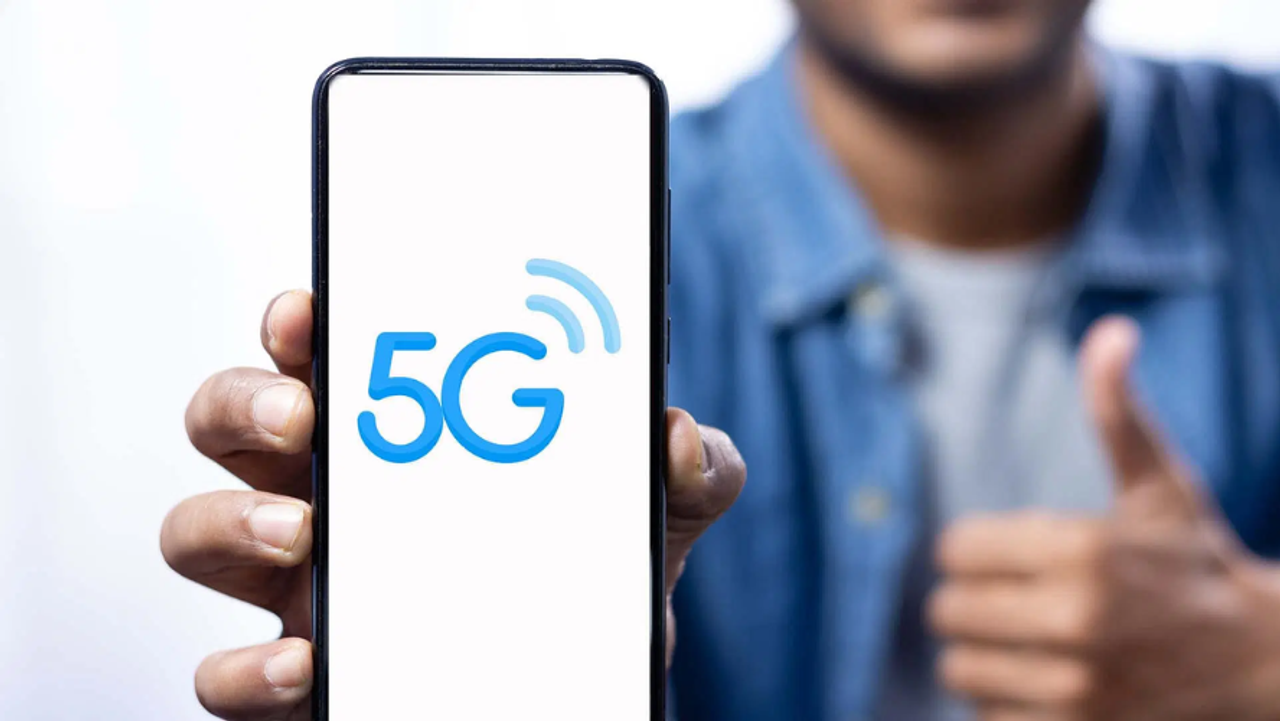
5G Network


5G Coverage
First, ensure your phone supports 5G. Then, check for the latest firmware update in Settings > Software Update. Outdated software can prevent connection to new networks. Once updated, your phone is ready for 5G.
Mobile Network
With updated software, go to Settings > Mobile Network on your Android or iOS device. Select your SIM provider (Jio, Airtel, or Vi) and tap Preferred Network Type. Choose 5G/4G/3G/2G Auto. This lets your phone connect to the fastest available network, including 5G. You should see the 5G icon if coverage is available.
5G SIM
If you've done everything right but still can't access 5G, it might be due to low coverage in your area. Visit your telecom operator's website and check their 5G coverage map or call customer service. Also, remember your current 4G SIM is fully compatible with 5G. No need for a new SIM.
Find the latest Technology News covering Smartphone Updates, AI (Artificial Intelligence) breakthroughs, and innovations in space exploration. Stay updated on gadgets, apps, and digital trends with expert reviews, product comparisons, and tech insights. Download the Asianet News Official App from the Android Play Store and iPhone App Store for everything shaping the future of technology.