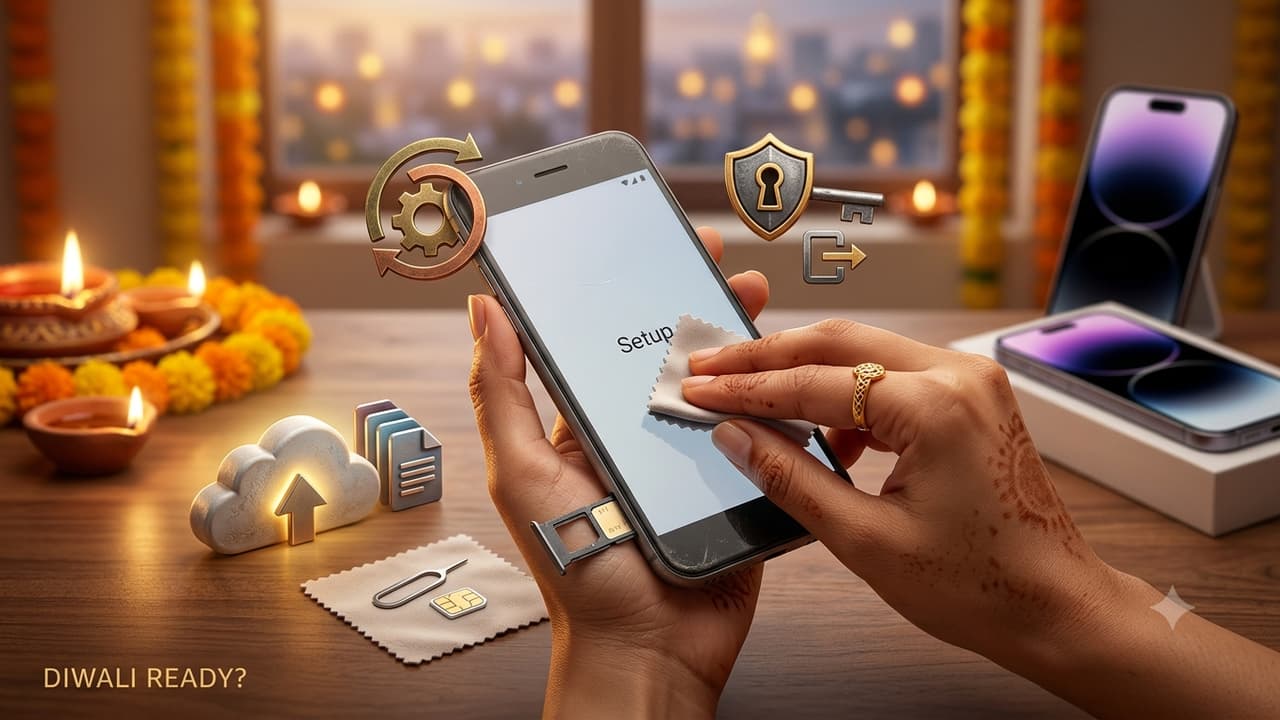
Upgrading your smartphone during Diwali means you must properly prepare your old device before selling or exchanging it to protect your personal and financial data. Essential steps include backing up files, logging out of banking and cloud accounts, removing physical cards, performing a factory reset, and keeping transaction records.
Festive season is one of the busiest times of the year for smartphone upgrades, and many buyers sell their old phones or trade them in through exchange offers. However, your previous phone will still save your images, messages, banking applications, and login information for your accounts. It is possible to put both your data and your money at danger if you hand it on without first properly preparing it. When it comes to getting rid of your old phone, there are six things you should do first.
1. Make A Copy Of Your Files And Chats
Select Google from the list of apps on your Android device, then tap Back up now. Tap your name, then iCloud, then iCloud Backup, and then tap Back Up Now on your iPhone.
Back up WhatsApp on its own. To back up WhatsApp, open it and go to Settings > Chats > Back up > Back up. You can also move your chats straight to your new phone of the same type while you are setting it up.
Related Articles

2. Close UPI and Banking Apps
Open each UPI app and either disconnect your bank accounts or deregister your UPI ID. Before you delete mobile banking, wallet, or trading apps, make sure you're logged out of them. This is the most important step because these apps can get to your money easily.
3. Sign Out Of Your Google, Apple and Samsung Accounts
Go to Settings on your Android device, then select Accounts or Passwords and accounts, then choose your Google account, and finally hit the Remove account button. Removing their Samsung account is another recommendation for Samsung consumers. After tapping your name, navigate to Settings on your iPhone, and then pick Sign Out.
Activation Lock on the iPhone and Factory Reset Protection on Android are both disabled as a result of this action. Your account will continue to be tied to the phone even if you want to skip it, which means the buyer may not be able to use the phone.
4. Take Out Your SIM Card, Memory Card
Please remove your SIM card as well as your microSD card. When you switch to a new phone, you should first transfer your eSIM to the new phone and then erase it from the old phone. In addition, connect your smartwatch, earphones, and any other linked gadgets to your computer.
5. Factory Reset The Phone
On an Android device, choose Settings, System, Reset options, and then Erase all data. Each brand may take a somewhat different route. Navigate to Settings, General, Transfer or Reset iPhone, and then choose Erase All Content and Settings on your iPhone.
Only after completing the first four stages should you do this.
6. Maintain Documentation Of Transaction
Before you reset your old phone, make a note of its IMEI number by dialling *#06#, and save the exchange receipt or a written documentation of the transaction. This indicates that the phone was no longer in your possession if it is ever misused. Lastly, look at the device list in your Google or Apple account and delete the old phone if it's still there.