WhatsApp Money Scam Alert: How Fraudsters Can Empty Your Bank Account in Minutes
WhatsApp money scams are putting banking details and savings at risk. Learn how fraudsters use fake messages, phishing links and impersonation tricks to target users, and discover practical ways to protect your bank account.
Can Replying ‘NO’ Empty Your Bank Account?
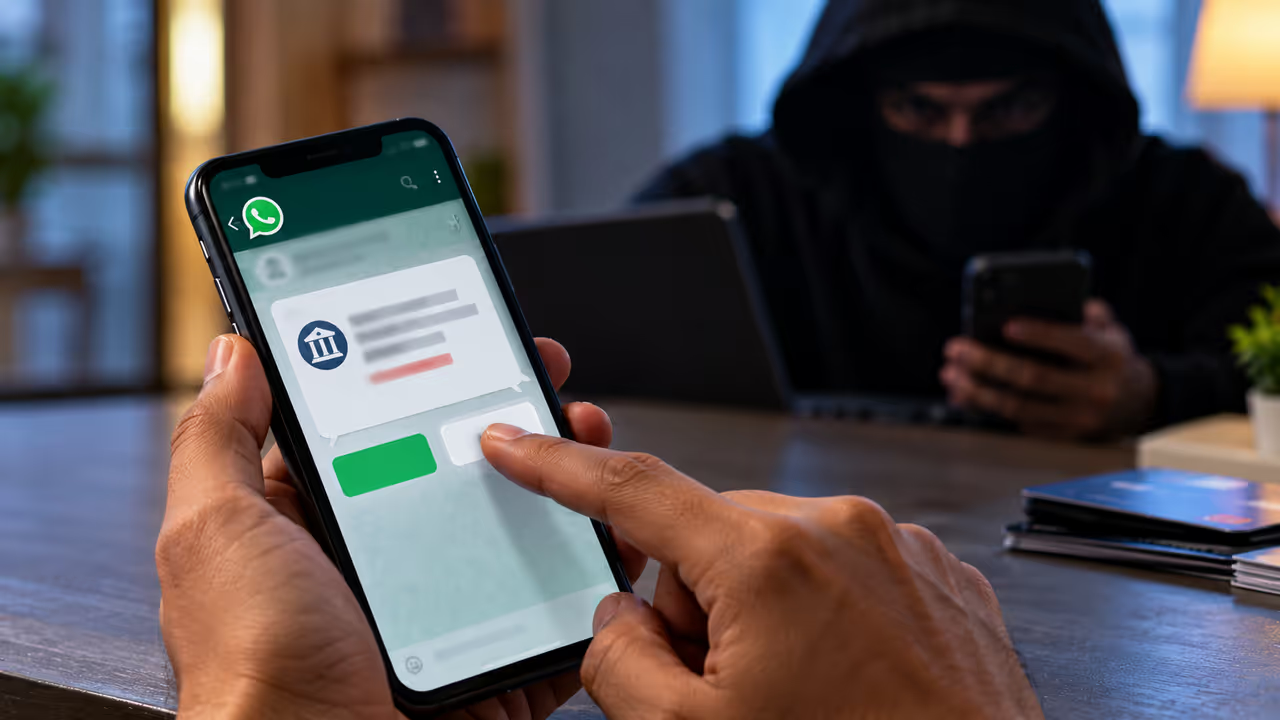
You might panic if you get a WhatsApp message saying money left your bank account. Fraudsters send another message asking you to reply 'NO' if you did not make the transaction. This makes you fear that you actually lost your money.
Hyderabad Police Commissioner V.C. Sajjanar issued a warning about these fake bank transaction messages on October 12. He shared that scammers targeted a chartered accountant and a few others. He received information about an incident where a victim lost bank money just by replying 'NO'.
Experts call this scam an 'Auto Execution File Attack'. However, independent sources have not verified the technical claim that just replying 'NO' automatically triggers malware and empties the account.
You should never ignore this warning. At the same time, we cannot confirm that a simple WhatsApp reply will hack your phone.


What Does This Scam Attempt Look Like?
Scammers first send a WhatsApp message from an unknown number. They claim that a specific amount got deducted from your bank account. They immediately send another message asking you to reply 'NO' if you did not do the transaction. Many people panic about losing money and reply immediately without checking the facts.
These messages mainly aim to create fear and urgency. Fraudsters want you to follow their instructions before you actually check your bank balance. You increase your risk when you reply to suspicious messages, open their links, install unknown apps, or share personal details.
We still need confirmation that replying 'NO' alone causes this technical fraud. You must understand the police warning and the unverified technical claims separately.
Can Replying ‘NO’ Get Your Phone Hacked?
Cyber criminals spreading malware through WhatsApp is not a completely fake concept. Hackers try to attack devices using malicious files, fake apps, deceptive web links, and software vulnerabilities. You face danger when you open a suspicious file disguised as a bank statement, download an app from an unknown website, or give excessive permissions to that app.
However, we have no solid technical proof that replying to a normal text message on WhatsApp automatically installs malware under normal circumstances. Authorities need to investigate separately how the victim actually lost money in this specific incident. You do not need to fear that replying 'NO' will definitely steal your money. At the same time, you must avoid replying in a hurry to bank transaction messages from unknown numbers.
How to Protect Your Money From WhatsApp Scams?
You must not panic and verify the truth first when you get a WhatsApp message about a bank debit. You need to follow these important safety steps:
1. Check your bank account directly:
You should open your official bank app or website yourself and check the transaction details. Do not use the links provided in the suspicious message.
2. Do not reply to unknown numbers:
You must avoid replying 'YES' or 'NO' to suspicious messages asking you to confirm a bank transaction. You should block the sender and report the message on WhatsApp.
3. Do not open suspicious files:
You must verify the authenticity before opening unexpected files claiming to be bank statements, payment receipts, or important documents. Do not install apps from unknown websites.
4. Do not share secret bank details:
You should never share your OTP, ATM PIN, bank password, or card security code with anyone. Do not give screen-sharing access or remote control permissions to unknown people.
5. Keep your phone updated:
You must update your phone's operating system and apps regularly. You should check permissions and get technical help if you have already installed suspicious apps.
What Should You Do If Money Is Stolen From Your Bank Account?
You must not wait to find out how it happened if you notice an unauthorized transaction in your bank account. You should contact your bank and the cyber crime reporting center immediately.
1930 Cyber Crime Helpline:
Victims who lose money to online financial fraud in India can immediately contact the national cyber crime helpline number 1930.
Official Website:
You can file a complaint on the cybercrime.gov.in website. You should keep evidence like transaction details, bank name, transaction number, suspicious phone number, and message screenshots ready when filing the complaint.
Inform the bank immediately:
You must contact the bank's official customer service and report the unauthorized transaction. You should ask them to secure the account and investigate the fraudulent transactions.
You must secure your bank details using another safe device and get technical help if you downloaded a suspicious file, installed an unknown app, or gave remote control access to your phone.
Filing a complaint without delay can help track and stop the stolen money. However, there is no guarantee that you will get the money back.
Remember: You should not believe every WhatsApp message claiming your bank account is debited. You should also not accept the claim that replying 'NO' will empty your account as a verified fact. You stay safe when you check your bank account through official channels and avoid interacting with suspicious messages.
Find the latest Technology News covering Smartphone Updates, AI (Artificial Intelligence) breakthroughs, and innovations in space exploration. Stay updated on gadgets, apps, and digital trends with expert reviews, product comparisons, and tech insights. Download the Asianet News Official App from the Android Play Store and iPhone App Store for everything shaping the future of technology.