- Home
- Technology
- WhatsApp Scam Alert: Never Download Blurry Photos From Unknown Numbers, Experts Warn Users
WhatsApp Scam Alert: Never Download Blurry Photos From Unknown Numbers, Experts Warn Users
Cybersecurity experts have warned WhatsApp users about a new scam involving blurry photos sent from unknown numbers. Downloading the image could expose devices to malware, potentially putting sensitive banking information at risk.
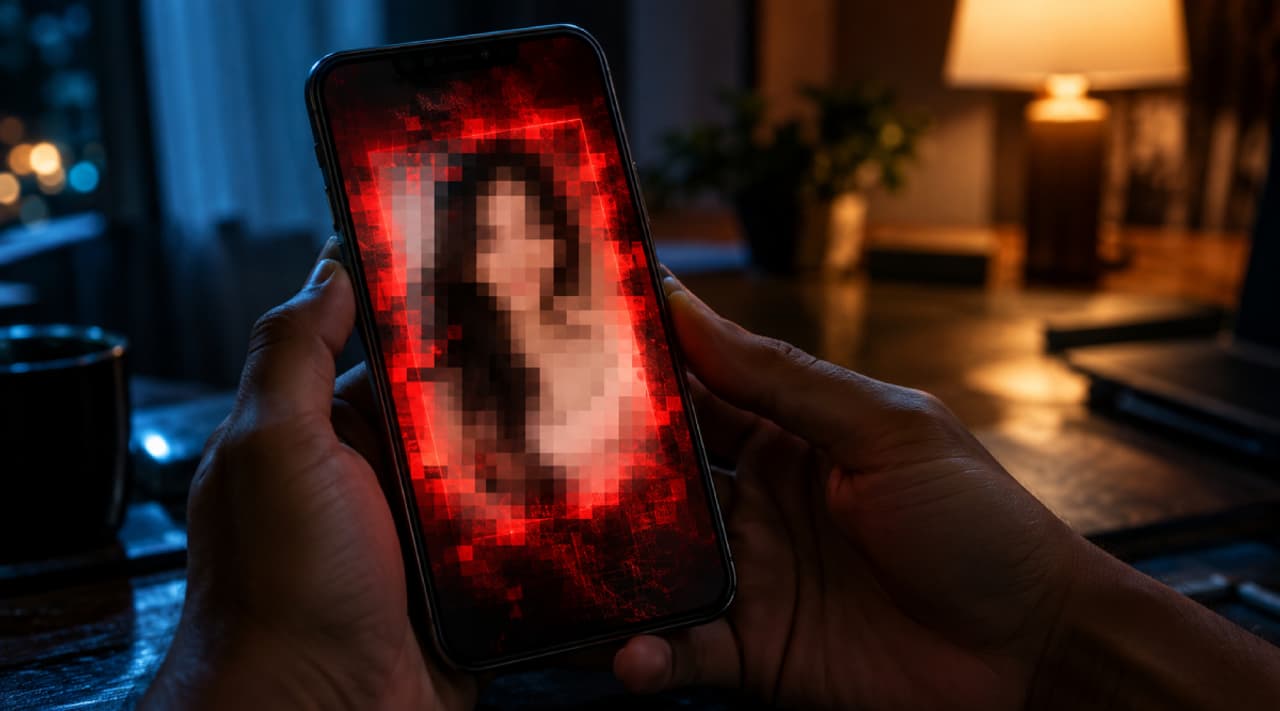
New malware scam empties bank accounts
Cyber security departments have issued a serious alert about a new cyber fraud. Scammers send photos on WhatsApp from unknown numbers. You download these images, and malware installs itself on your smartphone. This virus then steals all the money from your bank account.


Do not click blurry WhatsApp photos
Cyber criminals are targeting innocent people and their bank accounts with highly advanced scams. This new fraud targets WhatsApp users across India and the world.
Scammers send a blurry photo with a casual message like, "How are you? Hope you are doing well," or "Do you know this person?".
People usually avoid suspicious links, but they click these photos out of curiosity. You click the photo, and scammers drain every single rupee from your account.
How does this scam actually work?
An unknown number sends you a blurry photo disguised as a greeting, meme, holiday wish, or advertisement. You click the photo to download it, and a dangerous malware or fake app secretly downloads onto your smartphone.
This malware immediately starts sending your private data to the scammers. It hacks into your banking apps, steals your passwords, and transfers your money instantly.
Officials strictly advise the public to never open or click any files, links, or photos from unknown numbers.
Safety steps to avoid this WhatsApp scam
You must change your WhatsApp settings immediately to stay safe. Open WhatsApp Settings and select the Storage and Data option. You need to completely turn off the Media auto-download feature.
Disable automatic downloads for all three options: When using mobile data, When connected on Wi-Fi, and When roaming.
You should also educate elderly people, less tech-savvy users, and those who cannot read or write about this dangerous scam.
Find the latest Technology News covering Smartphone Updates, AI (Artificial Intelligence) breakthroughs, and innovations in space exploration. Stay updated on gadgets, apps, and digital trends with expert reviews, product comparisons, and tech insights. Download the Asianet News Official App from the Android Play Store and iPhone App Store for everything shaping the future of technology.