
Slow WiFi? Simple Tips to Boost Speed & Fix Frequent Disconnections
Effective tricks to fix WiFi connection problems, frequent disconnections, and slow speeds. Learn about router placement, the impact of metal objects, Bluetooth devices, furniture, and microwaves.
15
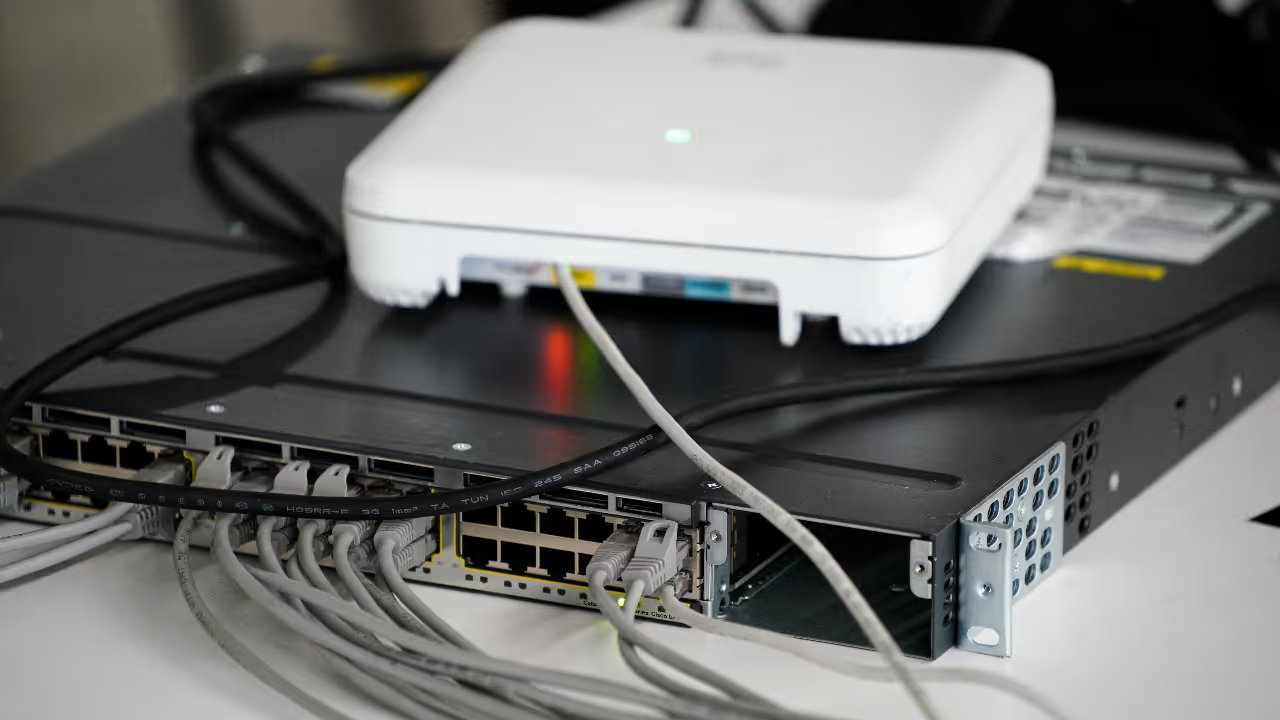
Image Credit : Getty
Struggling with web pages or videos that won't load? WiFi constantly dropping? This can seriously disrupt your work, especially when working from home. Here are some tricks to fix these issues.
Add Asianet Newsable as a Preferred Source
25

Image Credit : gemini
Move your router away from large mirrors as they can reflect the signal. Keep metal objects away, too, as they weaken the signal. Place your router in an open area free of metal or glass.
35
Image Credit : Social Media
Keep Bluetooth devices away from your router. Both operate on the same 2.4 GHz frequency, and keeping them close can disrupt your WiFi signal.
45
Image Credit : Getty
Large wooden furniture can block your WiFi. If your router is enclosed, move it to an open space and adjust the antennas for a better connection.
55
Image Credit : Google
Microwave ovens can weaken WiFi signals. They operate on a similar frequency and emit radiation. Move your router away from the microwave, ideally to a central location. If problems persist, contact your service provider.
Find the latest Technology News covering Smartphone Updates, AI (Artificial Intelligence) breakthroughs, and innovations in space exploration. Stay updated on gadgets, apps, and digital trends with expert reviews, product comparisons, and tech insights. Download the Asianet News Official App from the Android Play Store and iPhone App Store for everything shaping the future of technology.
Latest Videos