
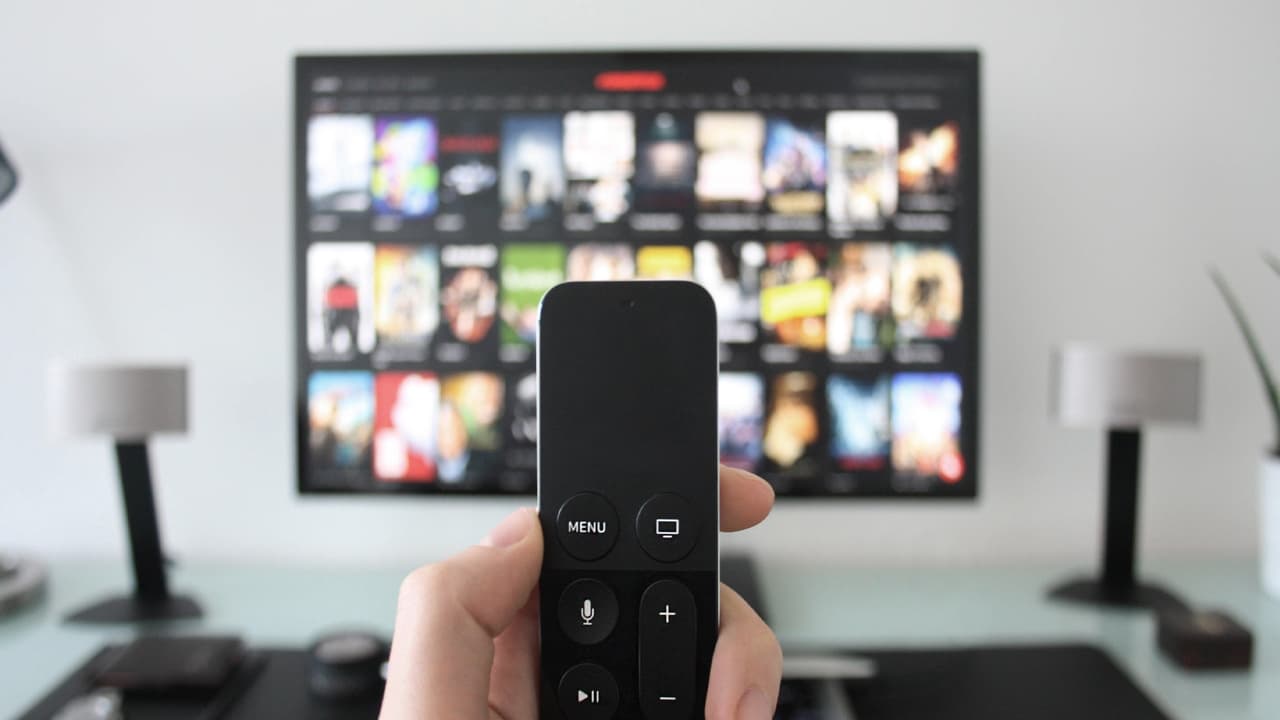
Is your TV or AC remote suddenly dead? Before you buy a new one, try these 6 simple tricks. You can easily fix it at home for free.
You've just sat down to watch TV, but the remote won't work. You've pressed the buttons so hard your fingers hurt, but the channel just won't change. Many of us get frustrated, throw the remote aside, and just buy a new one. But did you know that in 90% of cases, the remote isn't actually broken? It just stops working because of some small issues that you can easily fix at home.
Here are 6 simple ways to fix it:
1. Check the batteries, they're the usual culprit: In 80% of cases, the problem is just the batteries. First, take them out and try them in another device to see if they're working. Also, check the battery contacts for any rust or a white powdery substance. If you see any, just take a bit of vinegar or lemon juice on a cotton swab, clean the contacts, and put in a fresh pair of batteries.
2. The mobile camera test - to see if the remote is okay: How do you know if the remote's front sensor (that small bulb) is working? Just open your phone's camera. Now, point the remote towards the camera and press any button. If you see a purple or red light flashing on your phone screen, it means the remote is fine and the problem might be with your TV. If you don't see any light, the remote has an internal problem.
3. Dirt is stuck under the buttons: Over time, oil, dust, and even food crumbs can get stuck in the gaps around the remote's buttons. Take an old toothbrush, put a little sanitiser or alcohol on it, and gently scrub around the buttons. Then, wipe it clean with a dry cloth.
4. The pencil magic trick: If you open the remote, you'll see a black carbon coating behind the buttons. This coating touches the circuit board to make the remote work. When this wears off, the buttons stop responding. Here's a great trick: take a regular pencil and rub its tip firmly over these black spots. The pencil's graphite acts just like carbon and will get your remote working again. This is one of the most effective fixes.
5. Reset the remote: Take out the batteries. Now, press each button on the remote two or three times. This helps release any static charge that might have built up inside. After about 5 minutes, put the batteries back in and check if it's working.
6. Clean the sensors: The small bulb on the front of your remote and the black glass-like sensor on your TV or AC can get dusty. Just wipe both with a soft, dry cloth. Dust can block the signal and stop the remote from working.
If your remote still doesn't work after trying all these 6 tips, then it's likely that the internal circuit is damaged. Only then should you consider buying a new one.
