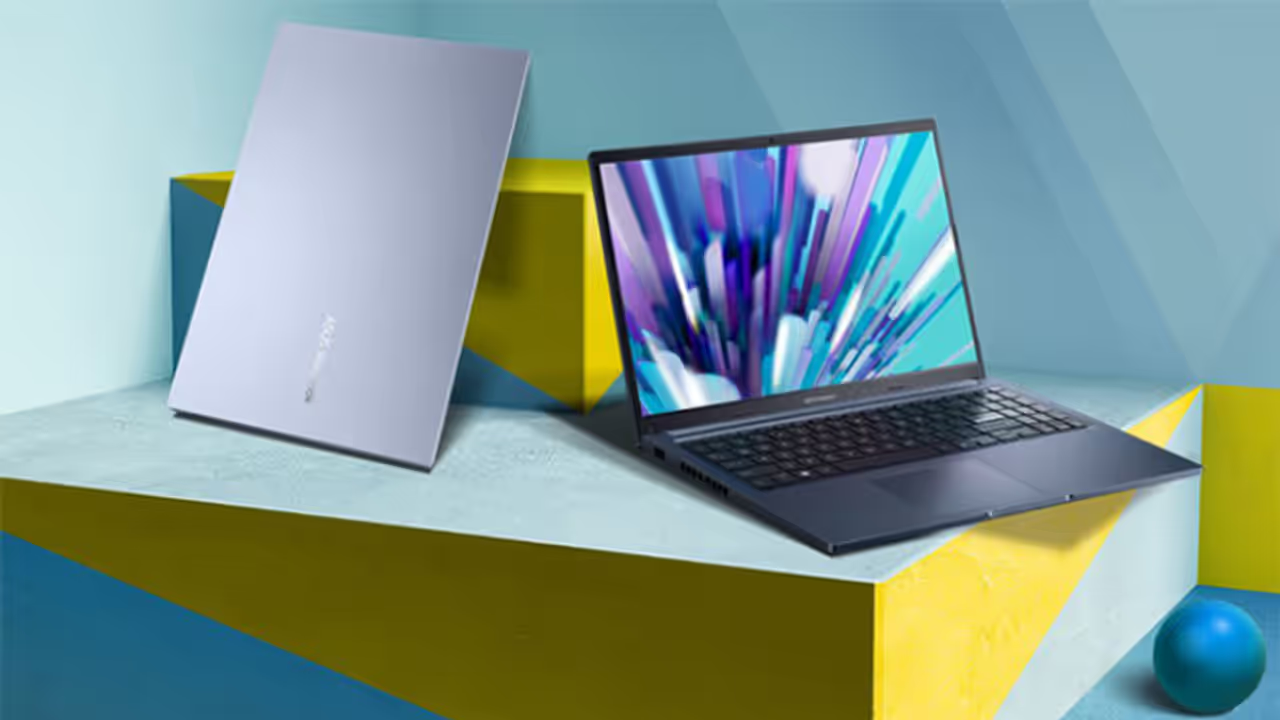
Looking for the best laptops for students? Choose the right processor, RAM, SSD, battery, and display. Lightweight, durable, and Full HD laptops with long battery life ensure smooth performance for coding, projects, and classes.
These days, a laptop is a must-have for every student. From online classes and coding to finishing projects, you just can't do without one. But before you go out and buy a laptop, the first thing to figure out is what it'll be used for. For regular school assignments, a basic model will do the job just fine. But if you're into stuff like coding, graphic design, or video editing, you'll need a more powerful machine.
Choose a processor that gives great performance
The processor is basically the brain of your laptop. It decides how fast and smooth everything runs. For a laptop that will last you a good few years, look for at least an Intel Core i3 or an AMD Ryzen 3 processor. If you'll be doing a lot of multitasking or coding, it's better to go for an Intel Core i5 or a Ryzen 5. And for serious gaming or running heavy software, you'll definitely need an i7 or a Ryzen 7.
How much RAM and storage do you need?
For RAM, 8GB is the bare minimum you should consider. But honestly, if you want your laptop to run smoothly for years without any lag, just go for 16GB RAM. When it comes to storage, SSDs are way faster than the old-school hard drives. So, make sure the laptop has at least a 512GB SSD.
Related Articles

A battery that lasts long
Students are always on the move—from class to the library, to a friend's place. You don't want to be constantly hunting for a charging point. That's why it's super important to pick a laptop with a solid battery. Look for one that gives you at least 6 to 8 hours of juice on a single full charge.
Display size and a lightweight model
Since you'll be carrying it around all day, go for a lightweight model—something under 1.6 kg is ideal. A 14-inch or 15.6-inch screen is a good size for most students. And this is a big one: make sure the display is Full HD (1920x1080p). A sharp, clear screen is much easier on the eyes and reduces strain.
Durable design and budget
Let's be real, students can be a bit rough with their stuff. So, check if the laptop has sturdy hinges. A 'spill-resistant' keyboard is also a great feature for some extra protection. Always go for a reliable brand that offers a good warranty and fits your budget. Remember, performance and how long it will last are way more important than just a fancy design.