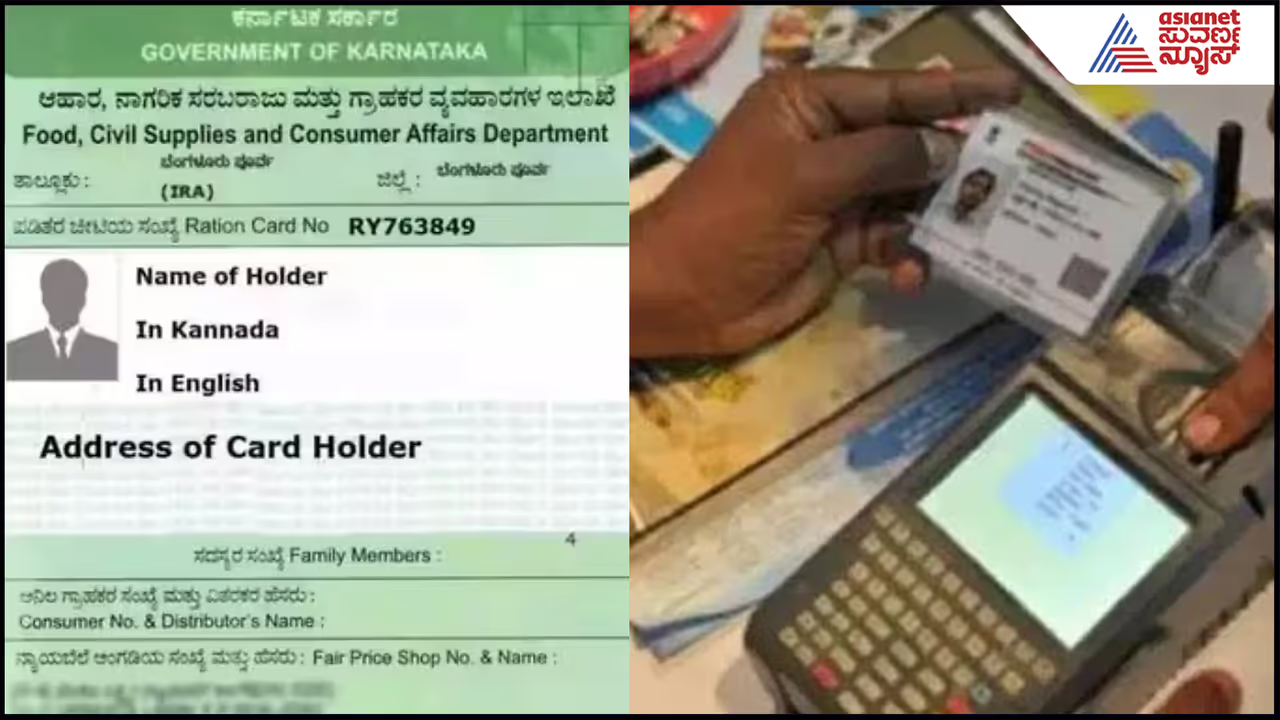
Karnataka has extended the ration card e-KYC deadline to October 20. Beneficiaries must complete biometric verification to continue receiving subsidised foodgrains and other linked benefits. Here's how to check status and complete e-KYC.
The Karnataka government has made e-KYC mandatory for beneficiaries receiving subsidised ration and extended the deadline to October 20. Ration card holders must complete the biometric verification process by the deadline to continue receiving subsidised foodgrains and other benefits linked to their ration cards. The government had earlier set September 30 as the deadline for completing the process.
Every member listed on a ration card must complete e-KYC by providing biometric authentication, such as a fingerprint. The Food Department may temporarily suspend or remove the names of members who fail to complete the process within the stipulated time. This could affect their eligibility for subsidised rice and other government scheme benefits linked to the ration card.
The e-KYC process can be completed through both online and offline modes. Beneficiaries can also check their e-KYC status on the Food Department's official website to determine whether the process has been completed.
Related Articles

How To Check Your E-KYC Status
- Visit the official Food Department website, ahara.kar.nic.in.
- Click the three-line menu on the homepage and select 'e-Services'.
- Click 'e-Ration Card' and select 'Show RCs' (Ration Card Details).
- Select either 'Bengaluru Zone' or 'Other Districts Zone', depending on your district.
- Select 'RC Status', enter your 12-digit ration card number and click 'Go'.
- The names of all family members listed on the ration card will appear.
- A green 'Success' message indicates that e-KYC has been completed. 'Pending' or a blank status indicates that the process is incomplete.
Documents Required For E-KYC
- Ration card number
- Aadhaar cards of all family members
How To Complete E-KYC Online
Beneficiaries whose mobile numbers are linked to Aadhaar can complete e-KYC from home using mobile applications.
- Download the 'Mera Ration' and 'Aadhaar FaceRD' apps from the Google Play Store.
- Select 'Aadhaar Seeding' or the e-KYC option in the app.
- Enter the required ration card and Aadhaar details.
- Complete the verification using OTP or face recognition, as applicable.
How To Complete E-KYC Offline
All members listed on the ration card can visit their regular fair price shop with their Aadhaar cards and ration card number. The e-KYC process can be completed free of charge by providing a fingerprint on the e-POS machine at the fair price shop.
If the fair price shop faces technical issues, beneficiaries can also visit their nearest Grama One, Karnataka One or Bengaluru One centre to complete the process.