Aadhaar Card Download: How to get your e-Aadhaar in just one minute
You can easily download your Aadhaar card in just one minute. We bring you the complete step-by-step process to get your e-Aadhaar online for free.
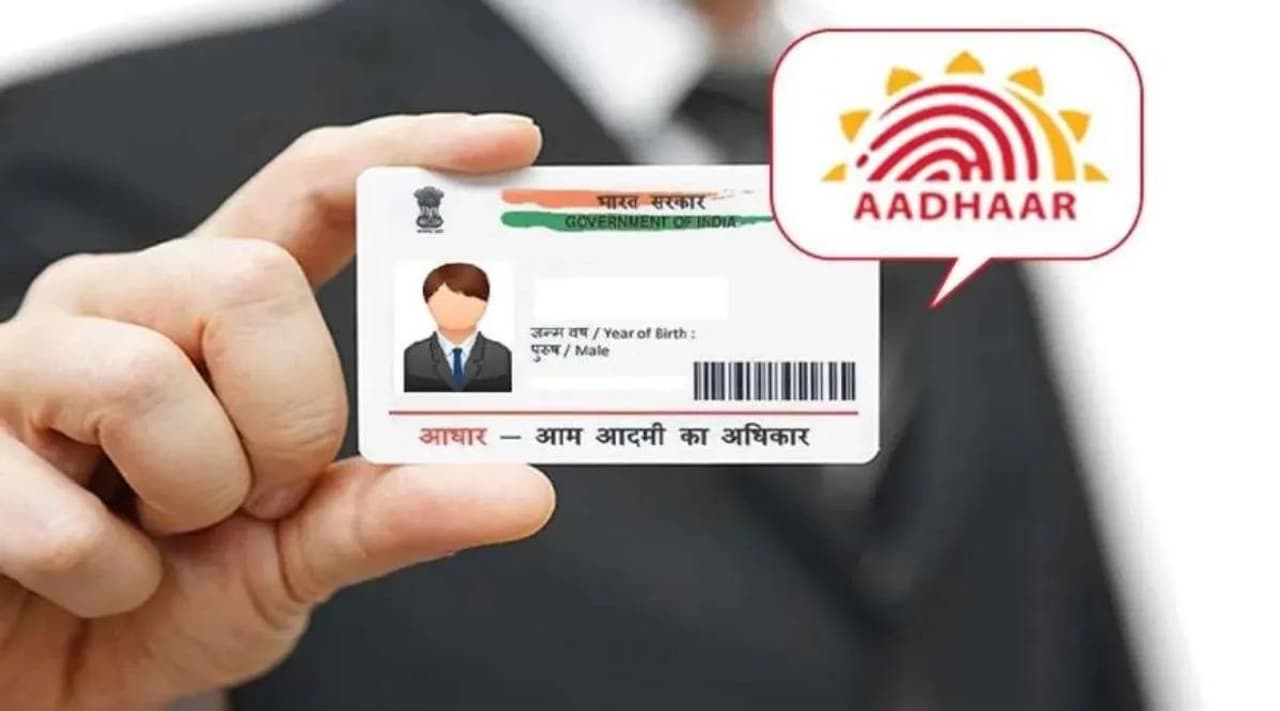
Is downloading an Aadhaar card this easy? Try this process right now
We need an Aadhaar card for almost everything these days. You need it for government schemes and even for opening a bank account. But you do not have to carry the original physical Aadhaar card everywhere.
We often forget it at home. The e-Aadhaar helps you a lot during such times. Let us clearly understand how you can download the e-Aadhaar online very easily.


What exactly is an e-Aadhaar?
The e-Aadhaar is simply the digital version of your original physical Aadhaar card. You do not need to carry a physical card in your pocket all the time. You can download it in PDF format on your mobile phone or computer.
The UIDAI issues this e-Aadhaar. It contains your name, address, and other personal details along with a secure QR code.
What details do you need for the download?
You do not need much to download your e-Aadhaar. You just need your Aadhaar number, enrollment ID, or virtual ID. You also strictly need the mobile number linked to your Aadhaar card. The system sends a secure OTP to that number for verification.
Step-by-step process to download your e-Aadhaar
You can download your e-Aadhaar very fast in just one minute. The simple process works like this.
Step 1: You must first visit the official UIDAI website.
Step 2: You need to click on the 'Download Aadhaar' option visible there.
Step 3: You must now enter either your Aadhaar number, enrollment ID, or virtual ID.
Step 4: You have to correctly enter the captcha code shown on the screen.
Step 5: You then click on the 'Send OTP' option.
Step 6: You will receive an OTP on your Aadhaar-linked mobile number. You must enter that OTP on the website.
Step 7: The system will download your e-Aadhaar PDF file once the process is complete.
Where can you use this e-Aadhaar?
Your downloaded e-Aadhaar card is equally valid everywhere just like your regular physical Aadhaar card. You can carry it easily anywhere because it is in a digital format. Your mobile phone stores this PDF safely in the files section. You can show this digital copy during emergencies or official government work to get your job done quickly.
Save it safely on your mobile phone
You must always keep a copy of your Aadhaar card handy. The UIDAI provides this facility so everyone can get their Aadhaar in seconds. You do not need to worry even if you do not have your physical Aadhaar card with you. You can immediately visit the UIDAI website, follow the above steps, and download your e-Aadhaar card.
Stay updated with the Breaking News Today and Latest News from across India and around the world. Get real-time updates, in-depth analysis, and comprehensive coverage of India News, World News, Indian Defence News, Kerala News, and Karnataka News. From politics to current affairs, follow every major story as it unfolds. Get real-time updates from IMD on major cities weather forecasts, including Rain alerts, Cyclone warnings, and temperature trends. Download the Asianet News Official App from the Android Play Store and iPhone App Store for accurate and timely news updates anytime, anywhere.