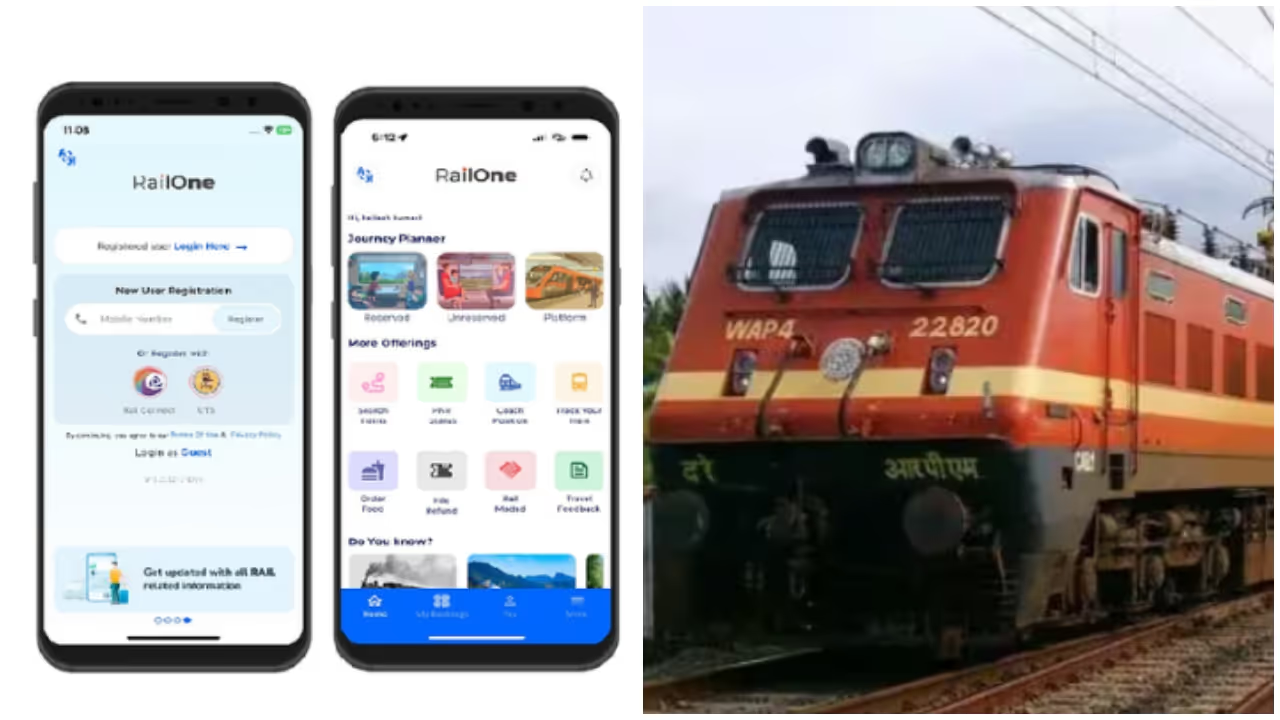
Indian Railways has launched the RailOne app, integrating services like live train tracking and food ordering. To promote its use, a limited-time offer provides a 3% discount on unreserved tickets.
Delhi: Trains are the most relied-upon mode of transport in India. Tens of thousands of passengers travel by train every day. Passengers used to use different types of apps for various railway-related services. However, Railways recently launched an app called RailOne, integrating all of them.
Services from live train location to ordering food are available on this app. The RailOne app has gained great popularity among passengers. Now, as part of making the app more accessible, Indian Railways has introduced an offer. A 3% discount is available for unreserved ticket bookings through the RailOne app.
Payment must be made digitally. This offer is available for a limited time only, from January 14 to July 14. Let's see what you need to do to get the offer.
Related Articles

1. Download the RailOne App
Download the RailOne app from the official app store.
2. Sign In to Create an Account
Log in using your existing railway credentials or complete a quick registration using your mobile number. Verify your details via OTP to activate your account.
3. Complete Your Profile with Details
Provide information like your name and contact mobile number. This helps streamline bookings and ensures smooth ticket delivery.
4. Select Your Journey and Ticket Type
Select the option for unreserved ticket booking. Then enter the departure and arrival stations along with the date of travel.
5. Proceed to Payment Using Digital Mode
Choose a digital payment method like UPI, debit card, credit card, or net banking. The discount is only applicable for digital payments made through the app.
6. Check the Fare Before Confirming
A 3% discount will be automatically applied to unreserved tickets, and the reduced fare will be reflected before you complete the payment.
7. Save Your Ticket After Completing the Booking
Once the payment is made, your ticket will be generated within the app. Keep it accessible on your phone for ticket checks during the journey.