
Top smartphone camera cleaning tips for clear, sharp photos
Many people buy expensive smartphones solely for taking photos. A wide variety of mobile phones with amazing camera features are entering the market. However, sometimes photos on smartphones don't turn out well. There are many reasons for this. One thing that many people don't notice is the accumulation of dust on the camera lens. Here are the best tips for cleaning your camera lens. Take a look.
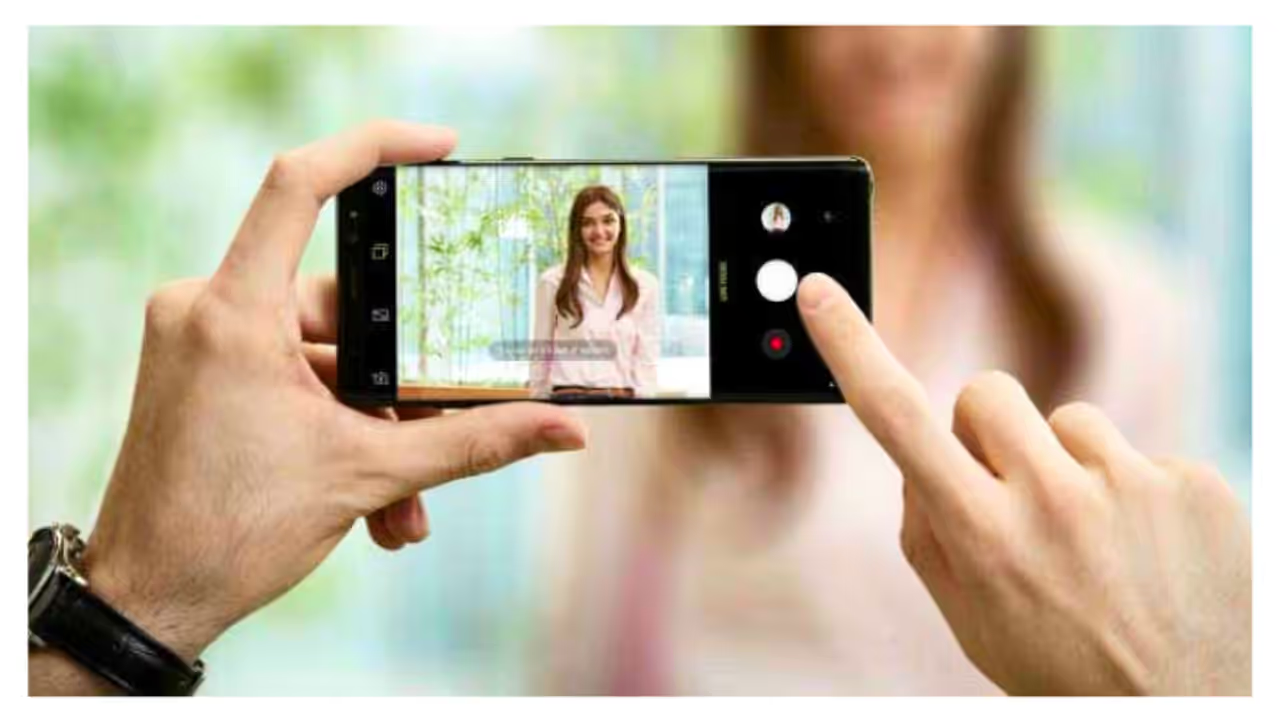
Nowadays, everyone has a smartphone. People spend their time with smartphones from morning till night. Smartphones have become essential for employees. They use smartphones for many tasks. Some employees often have to take and upload various photos. Many meetings are now conducted through video calls on phones. Thus, the smartphone and its camera performance have become crucial for every task. However, many people don't maintain their smartphones properly after buying them, especially the camera. That's why photos often appear blurry.


Mobile companies are now prioritizing high-clarity cameras. Smartphones with 200-megapixel cameras are available in the market. However, no matter how many megapixels the camera has, photos often turn out blurry. This leads users to buy new smartphones.
However, you don't need to replace your mobile just because of the camera. You should follow some tips to improve your phone's camera. If you're using an Android phone, you can click amazing photos. Follow these tips for that.
1. Use a Microfiber Cloth: Use the microfiber cloth used for glasses to clean the lens. It cleans the delicate lens without scratching it.
2. Camera Cleaning Kit: Kits are available in the market specifically for cleaning camera lenses. These can be used to clean the lens more effectively.
3. Use Sanitizer or Spirit: Clean the lens by applying spirit or sanitiser on a clean cotton swab. This removes oil and fingerprints. Don't apply too much.
4. Using a Blower: Clean the dust on the lens with a small blower or camera blower.
5. Don't Touch the Lens: Avoid the habit of touching the lens with your finger. Many people use their fingers to clean the lens. But the thing is, their fingerprints remain on the lens. They affect the photos.
6. Use a Cover/Protector: Use a protector specifically for the camera lens. This protects the lens from dust. It also protects the camera and lens if the phone accidentally falls.
7. Keep in a Dry Place: Don't keep the cell phone in places with high humidity. Humidity causes a fog-like formation on the lens, which remains there. This unknowingly affects the photos.
Find the latest Technology News covering Smartphone Updates, AI (Artificial Intelligence) breakthroughs, and innovations in space exploration. Stay updated on gadgets, apps, and digital trends with expert reviews, product comparisons, and tech insights. Download the Asianet News Official App from the Android Play Store and iPhone App Store for everything shaping the future of technology.