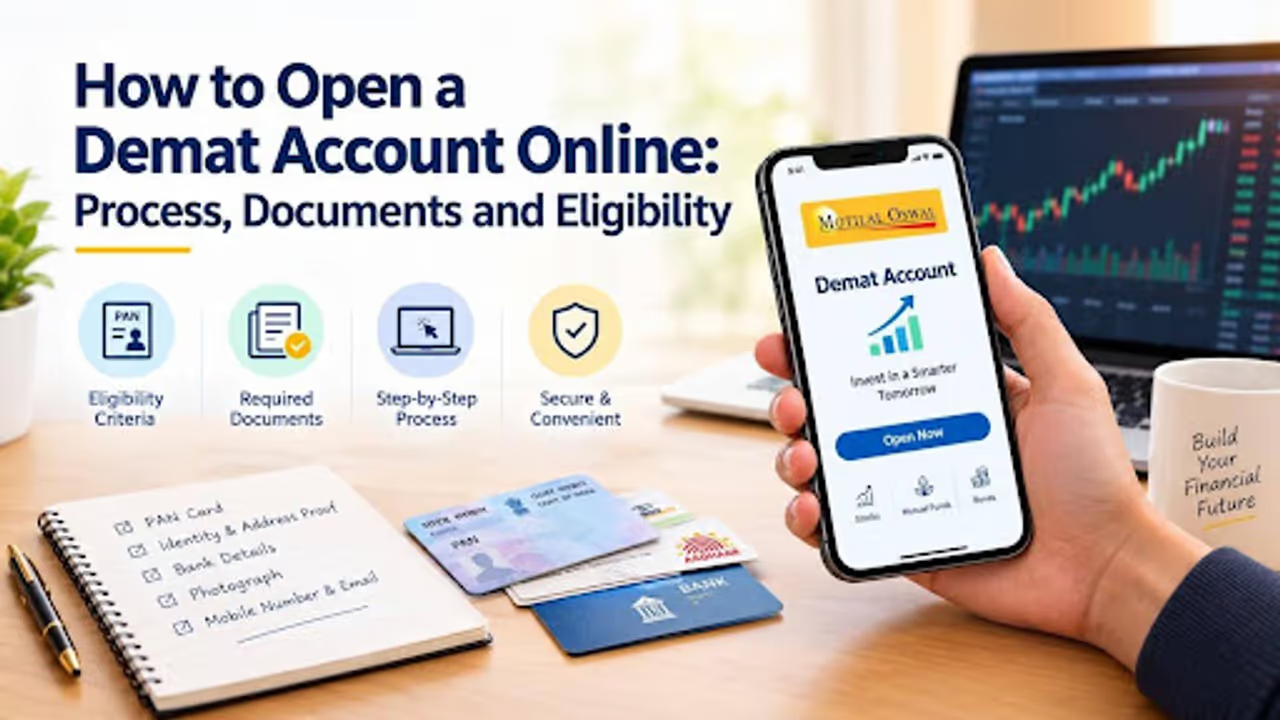
The process to open a Demat account online can be completed digitally, depending on the service provider and verification requirements. Here's step-by-step guide explains how to open a Demat account online.
The process to open a Demat account online can be completed digitally, depending on the service provider and verification requirements. Applicants can generally complete the process using a smartphone or computer without visiting a branch, although additional verification or documents may be required in some cases.
This step-by-step guide explains how to open a Demat account online with Motilal Oswal, including the eligibility criteria, documents required, and verification process.
What Is a Demat Account?
A Demat account works like a digital locker for your investments. Instead of holding physical share certificates, your securities are held electronically through a Depository Participant (DP), such as Motilal Oswal, which is linked to a depository such as the National Securities Depository Limited (NSDL) or the Central Depository Services (India) Limited (CDSL).
This makes it easier to hold and transfer eligible securities electronically and reduces the risks associated with physical certificates, such as loss, theft, or damage.
Eligibility Criteria to Open a Demat Account
Applicants must meet the applicable eligibility and KYC requirements to open a Demat account in India. The key criteria for individual applicants include:
Residential Status: Resident Indians can apply through the applicable account-opening process. Non-resident Indians (NRIs) may need to follow a separate process and meet additional requirements.
Age: Individuals aged 18 or above can generally open and operate a Demat account independently, subject to applicable requirements. A minor can also hold a Demat account through a parent or legal guardian, who operates it on the minor's behalf.
Valid PAN Card: A valid Permanent Account Number (PAN) is generally required for opening a Demat account.
Mobile Number: A valid mobile number is required for communication and verification. If Aadhaar-based e-KYC is used, access to the mobile number registered with Aadhaar may be necessary for OTP authentication.
Bank Account: Bank account details and supporting proof are generally required to link the account for eligible transactions and settlements.
Documents Required to Open a Demat Account
Keep the following documents and details ready before starting your application.
Mandatory or Commonly Required Documents
PAN Card: A clear image or copy of your PAN card.
Identity and Address Proof: Aadhaar or another accepted document, depending on the verification process and your circumstances.
Bank Proof: A cancelled cheque or recent bank statement showing the relevant account details, if requested.
Mobile Number and Email Address: For verification, communication, and account-related updates.
Photograph: A recent photograph, if required during the application process.
Optional or Conditional Documents
Income Proof: May be required if you want to activate trading segments such as futures and options (F&O). Accepted documents depend on the broker's requirements and applicable regulations.
Additional Address Proof: If your available address document does not reflect your current address or does not meet the verification requirements, you may need to provide another accepted document, such as a passport or voter ID.
The exact document requirements may vary based on your profile, the services selected, and the account-opening process.
Step-by-Step Process to Open a Demat Account Online with Motilal Oswal
Opening a Demat account online with Motilal Oswal involves the following steps:
Step 1: Access the Motilal Oswal Website or App
Visit the official Motilal Oswal website and select the account-opening option. You can also use its official mobile app, where account opening is available.
Step 2: Fill In Your Basic Information
Enter your mobile number and verify it using an OTP. Provide your email address and other requested details. You may also need to enter your PAN information and provide Aadhaar details if required for the selected verification method.
Step 3: Complete Aadhaar e-KYC
If Aadhaar-based e-KYC is available and applicable to your application, follow the instructions to authenticate your identity. This may involve entering an OTP sent to your Aadhaar-registered mobile number.
Step 4: Complete the Online Application Form
Enter your personal details, including your full name, date of birth, occupation, and income range, as requested.
Next, provide your bank account details, including the account number and IFSC, and complete any other information required for account opening.
Step 5: Submit the Required Documents
Upload clear images or scanned copies of your PAN card, accepted identity and address proof, and bank proof, along with any other documents requested.
Check that the information is readable and matches the details entered in your application.
Step 6: E-Sign the Application
Complete the electronic signature process using an approved method, such as Aadhaar-based e-sign, where available. Follow the instructions to authenticate and submit your application.
Step 7: Complete Identity Verification
Complete the required identity verification process, which may include video-based verification or another approved method. Follow the instructions provided during the application process to ensure that all verification requirements are met.
Step 8: Wait for Account Activation
Once your application and documents have been verified and approved, you will receive confirmation and your account details, which may include your DP ID, Client ID, and login information.
The activation timeline depends on the completion of verification and the broker's approval process. Check the latest status through the official communication channels.
Final Thoughts
Opening a Demat account online can make it easier to begin investing in the Indian securities market. By keeping your documents ready, providing accurate information, and completing the required verification steps, you can make the process smoother.
Once your account is approved and activated, you can use it to hold eligible securities electronically. If you also have a trading account, you can place buy and sell orders through the available trading facilities.
If you are ready to get started, visit the official Motilal Oswal website to review the current account-opening process, eligibility requirements, and applicable charges.