MalayalamNewsableKannadaKannadaPrabhaTeluguTamilBanglaHindiMarathiMyNation
Add Preferred SourceGoogle-icon
  • Facebook
  • Twitter
  • whatsapp
  • YT video
  • insta
  • Latest News
  • India
  • World
  • Business
  • Markets
  • Sports
  • Entertainment
  • Lifestyle
  • Creator Connect
  • Auto
  • Home
  • Technology
  • This one mobile security setting can protect your personal data from hackers

This one mobile security setting can protect your personal data from hackers

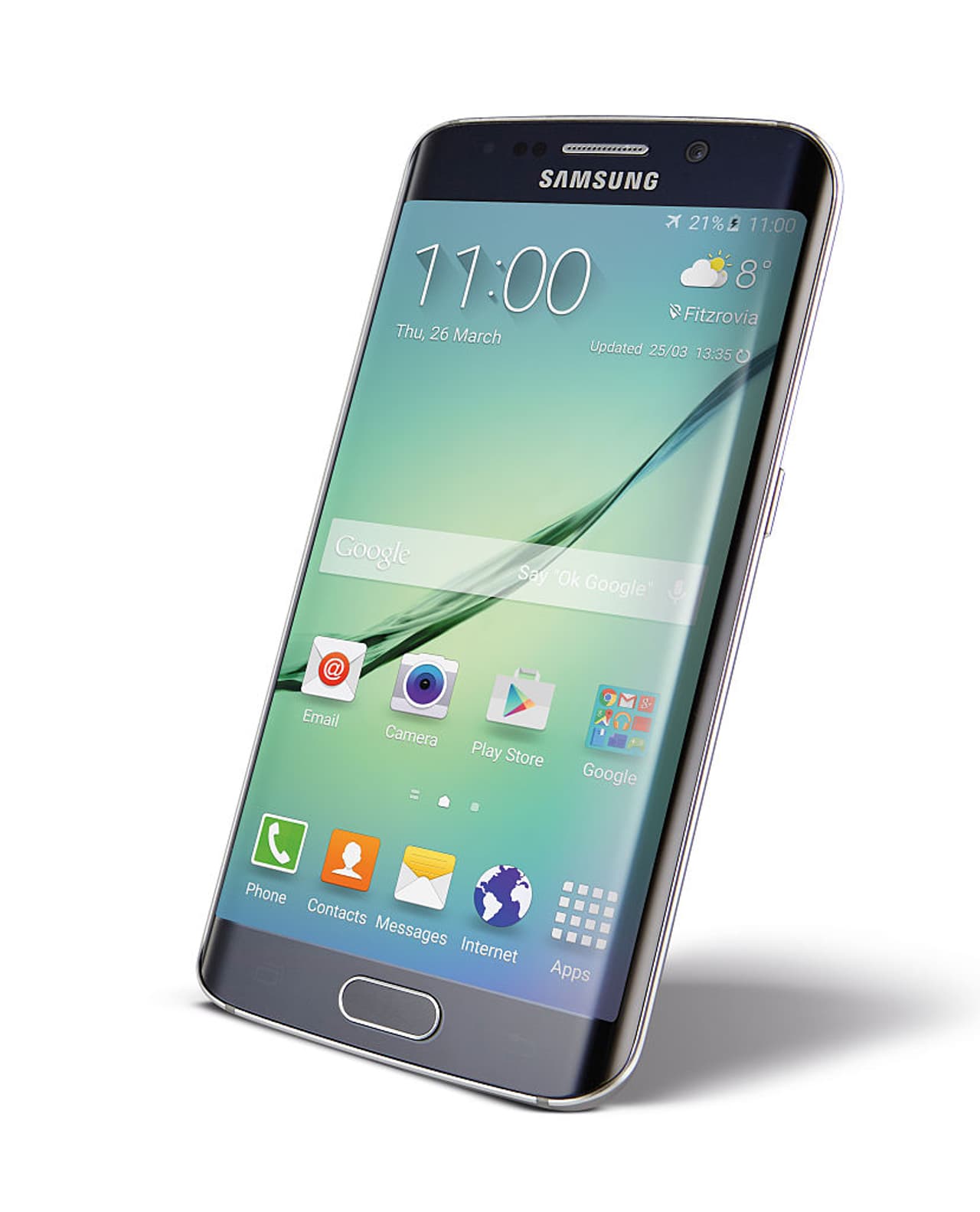
Did you know a simple setting on your mobile can protect your personal data, account details, usernames, and passwords from falling into the wrong hands? Learn how to enable this crucial setting and safeguard your privacy.
2 Min read
Author : Asianetnews English Stories
Published : Sep 11 2024, 09:35 PM IST
Share this Photo Gallery
  • FB
  • TW
  • Linkdin
  • Whatsapp
  • GNFollow Us
15

We all use mobile phones. It is now an essential commodity for everyone. All our information is stored in it. We also store personal photos, videos, addresses, and some confidential information on mobile. But is all our personal information safe and secure? 

 

Add Asianet Newsable as a Preferred SourcegooglePreferred
25

When you install any app on your phone, it asks for some permissions. It asks for permission to access contacts, messages. It asks for permission to view photos, videos. The app will not be installed if you do not click allow for all of them. So we knowingly or unknowingly click the allow option for everything. This is where all our personal data goes into the hands of others. 

Some settings are turned on by default when you buy a mobile. The mobile company you bought will set some defaults like this. While many such options do us good, some options are turned on in such a way that our entire data can be accessed. 
 

35

What should you do to keep your accounts, passwords, personal data safe
Open settings on your phone.
Click on google
Click on the autofill option
Then press autofill with google
Click on preferences in the options that appear
Then the first two buttons that appear should be turned on

45

What are the two buttons
In preferences ‘authenticate with screen lock or biometrics before filling in payment methods’ 
There are two options namely ‘authenticate with biometrics before filling in passwords’.  The buttons in front of both of them should be turned on. What this means is that whenever you want to open a lock related to any payment on your mobile, you must use your biometrics to unlock the screen. After turning on these two buttons, even if you give your username and password on your mobile without your biometrics, it will not open. 

55

What is the use of this
If you have authenticated in this way, if someone you know tries to access your mobile, it will definitely ask for biometrics. Even if someone tries to cheat you, it will not work. Another thing is that in this day and age, data on mobile is easily accessed. Even if they get your usernames and passwords, they can't do anything without your biometrics. All your personal information will be safe. There is less chance of cyber crimes happening. 
 

Find the latest Technology News covering Smartphone Updates, AI (Artificial Intelligence) breakthroughs, and innovations in space exploration. Stay updated on gadgets, apps, and digital trends with expert reviews, product comparisons, and tech insights. Download the Asianet News Official App from the Android Play Store and iPhone App Store for everything shaping the future of technology.



About the Author

AE
Asianetnews English Stories
 
1st ODI • NZ vs IND 2026
Result
NZNZ
185
INDIND
143/5
IND beat NZ by 5 wickets (D/L) method
Schedule ›
2nd ODI • NZ vs IND 2026
NZNZ
Sat, 7 Nov, 2026
INDIND
07:30 am
Match yet to begin.
Schedule ›
5th T20 • NZ vs IND 2026
Result
NZNZ
195/3
INDIND
191/8
NZ beat IND by 7 wickets
Schedule ›
4th T20 • NZ vs IND 2026
Result
NZNZ
259/7
INDIND
172/9
NZ beat IND by 87 runs
Schedule ›
3rd T20 • NZ vs IND 2026
Result
NZNZ
198/3
INDIND
199/4
IND won by 6 wickets
Schedule ›
1st TEST • SL vs PAK 2026
PAKPAK
Mon, 9 Nov, 2026
SLSL
10:30 am
Match yet to begin.
Schedule ›
3rd ODI • NZ vs IND 2026
NZNZ
Tue, 10 Nov, 2026
INDIND
07:30 am
Match yet to begin.
Schedule ›
4th ODI • NZ vs IND 2026
NZNZ
Fri, 13 Nov, 2026
INDIND
07:30 am
Match yet to begin.
Schedule ›
5th ODI • NZ vs IND 2026
NZNZ
Sun, 15 Nov, 2026
INDIND
07:30 am
Match yet to begin.
Schedule ›
Latest Videos
Recommended Stories
Recommended image1
OnePlus Turbo 7 Leaked: 200MP Camera, Glass Body And Snapdragon 8 Gen 6 Tipped
Recommended image2
Jio Voice-Only Recharge Plans: Prices, Validity and Benefits; Read On
Recommended image3
Apple iPhone Duo Screen Cracks: What Has Apple Said About the Display Issue?
Recommended image4
WhatsApp Group Updates: 4 New Features You Need To Know Right Now
Recommended image5
BSNL Rs 1,499 vs Rs 1,999: Check Daily Cost, Data Benefits And Calling Offers
News
Breaking News TodayLatest News TodayIndia NewsWorld NewsKarnataka NewsKerala NewsIndian Defence NewsBengaluru News
Entertainment
Entertainment NewsOTT ReleaseBigg BossMovie ReviewsBox Office Collection
Sports
Sports NewsCricket NewsFootball NewsWWE NewsOther Sports
Lifestyle
Lifestyle NewsFood and RecipesHealth NewsAstrologyCareer NewsWeb Stories
Business
Business newsShare Market NewsGold PriceDA Hike8th Pay CommissionTechnology NewsAutomobile News
Weather
WeatherKolkata WeatherChennai WeatherBengaluru Weather
Asianet
Follow us on
  • Facebook
  • Twitter
  • whatsapp
  • YT video
  • insta
  • Download on Android
  • Download on IOS
  • About Website
  • Terms of Use
  • Privacy Policy
  • CSAM Policy
  • Complaint Redressal - Website
  • Compliance Report Digital
  • Investors
© Copyright 2026 Asianxt Digital Technologies Private Limited (Formerly known as Asianet News Media & Entertainment Private Limited) | All Rights Reserved