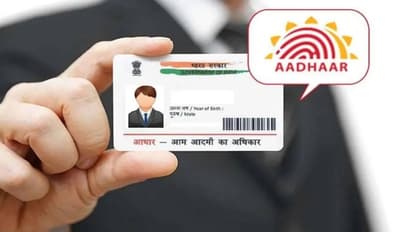
Need your Aadhaar card quickly? Learn how to download your e-Aadhaar PDF online through the official UIDAI website, including the steps to verify your identity with an OTP and access your digital Aadhaar.
Is downloading Aadhaar this easy? Try this process now
You need an Aadhaar card for almost everything these days. You require it for government schemes and bank accounts. You do not have to carry the physical card everywhere. You might forget it at home sometimes. The e-Aadhaar comes to your rescue during such moments. You can download this digital copy online very easily.
26
What exactly is an e-Aadhaar?
The e-Aadhaar acts as the digital version of your original physical card. You do not need to carry a hard copy in your pocket all the time. You can download it in a PDF format on your mobile phone or computer. The UIDAI issues this official digital document. It holds your name, address, personal details, and a secure QR code.
36
What details do you need for the download?
You do not need many things to download your e-Aadhaar. You just need your Aadhaar number, Enrollment ID, or Virtual ID. You also must have the mobile number linked to your Aadhaar card. The system sends a secure OTP to this registered number for verification.
You can download your e-Aadhaar quickly in just one minute. You just need to follow this simple process. Step 1: You must visit the official UIDAI website first. Step 2: You click on the 'Download Aadhaar' option. Step 3: You enter your Aadhaar number, Enrollment ID, or Virtual ID. Step 4: You type the captcha code shown on the screen. Step 5: You click on the 'Send OTP' button. Step 6: You will receive an OTP on your registered mobile number. You enter that OTP on the website. Step 7: The system downloads your e-Aadhaar PDF file instantly.
56
Where can you use this e-Aadhaar?
Your downloaded e-Aadhaar card holds the exact same value as your physical card. You can carry it anywhere easily because it stays in a digital format. Your mobile phone stores this PDF safely in its files section. You can show this digital copy during emergencies or government work to get things done fast.
66
Save the digital copy safely on your phone
You must always keep an Aadhaar card copy handy. You can get your digital Aadhaar in seconds through this UIDAI facility. You do not need to worry if you do not have your physical card. You can simply visit the UIDAI website, follow the steps, and download your e-Aadhaar card right away.