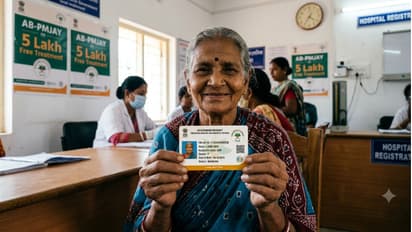
You've submitted your offline application for the Ayushman Bharat health insurance card to ASHA workers. But you still need to complete the e-KYC process. ASHA workers are going door-to-door to get this done.
Along with submitting the offline application for the Ayushman Bharat card, doing the e-KYC online is also crucial. Will you not get the card otherwise? The state government has not given any clear message on this yet. However, once you complete the e-KYC, you can download your card online. That's why finishing the e-KYC is so important.
25
e-Kyc Ayushman Bharat Card
The e-KYC work for the Ayushman Bharat health card is currently going on. To get this done, you can go to a cyber cafe or contact your nearest ASHA worker. In many places, ASHA workers are even visiting homes to complete this task. So, for your Ayushman Bharat card e-KYC, you must first contact the ASHA worker in your municipality or panchayat area for details. They will guide you on how to complete the e-KYC to get the card.
35
e-Kyc Ayushman Bharat Card
You can also complete the e-KYC process yourself from home using your smartphone. First, you need to download the Ayushman Bharat app from your phone's Play Store. After opening the app, click on the Beneficiary/Operator option and follow the steps to enter your information and complete your e-KYC.
আয়ুস্মান ভারত অ্যাপের মাধ্যমে ফোনেই করুন ই-কেওয়াইসি
You can do the e-KYC on your phone through the Ayushman Bharat app. ASHA workers can also use the same app to help you. They will open your form using your Ration Card or Aadhaar Card number, verify your phone number via OTP, and complete the process. Once your e-KYC is done, you can check your card's status right there in the app—whether it's at the 'State Verification' stage or showing 'Verification Pending'.
55
e-Kyc Ayushman Bharat Card
In the Ayushman Bharat app, log in using your phone number, Aadhaar OTP, and the correct captcha. Then, you have to select your state. After that, you can open the form by entering the Ration Card or Aadhaar number of any one family member. For this, your mobile number must be linked to your Aadhaar card, or the form won't open. Next, you need to verify your Aadhaar and phone number and upload a photo. Then, select your area (rural or urban) and sub-division. Once you fill in all the details correctly and submit the form with the captcha, your e-KYC will be complete. You will then see the status of your card next to your name.