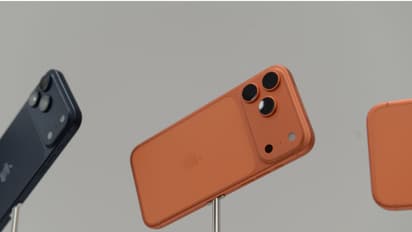
iPhone Camera Tips and Tricks: Use Your Device for More Than Just Photos

Published : Jan 26, 2026, 09:36 AM IST

The iPhone camera isn’t just for photos. Discover hidden features, tips, and tricks to use it for videos, scanning documents, AR apps, and creative projects beyond traditional photography. 

PREV
15
Not just for photos

Most think the iPhone camera is just for great photos and videos. But it's also a handy tool for daily tasks. Apple's yearly updates have turned it into a versatile multi-tool.

25
Measure the length of objects with the camera

With the built-in Measure App, you can measure the length and width of any object. No tape needed for walls or tables. Open the app, point the camera, and tap the plus sign for instant measurements.

35
Copy text from a board or book

No need to type text from signs or books. Point the camera, and a text icon appears. Tap it to copy the text. It makes saving numbers or notes incredibly easy and fast.

45
Convert documents to PDF

The iPhone camera doubles as a scanner. Convert documents to PDFs via the Files App. Just open the app, choose 'Scan Document,' and snap a photo. It's super handy for office tasks.

55
Convert handwriting to digital notes

Scan handwritten notes from a notebook with your iPhone camera and turn them into text. You can then message them or save them in the Notes app. It's a big help for school and work.

Find the latest Technology News covering Smartphone Updates, AI (Artificial Intelligence) breakthroughs, and innovations in Space exploration. Stay updated on gadgets, apps, and digital trends with expert reviews, product comparisons, and tech insights. Download the Asianet News Official App for everything shaping the future of technology.


Read more Photos on

Recommended Stories